GenAI Tools Comparison 2026: Which AI Should a Manager Choose?
By March 2026, the generative AI market has dozens of tools. Every vendor claims to be the leader, and marketing materials compete in loudness. How does a manager choose a tool that actually solves real problems?
This article brings together the key characteristics of nine major GenAI tools covered in our review series. Here you’ll find summary tables, scenario-based recommendations, and practical selection advice.
Update: GPT-5.4 Released
OpenAI released GPT-5.4 – a new flagship model that unifies the strengths of previous models in the series. Key changes:
- 1M token context window – OpenAI has caught up with Gemini on context size (GPT-5.3 had 400K).
- Built-in computer use – the model reads screenshots and controls keyboard/mouse, enabling automation of routine tasks in any application.
- Five reasoning levels (none / low / medium / high / xhigh) – balance between speed and analytical depth.
- 33% fewer factual errors compared to GPT-5.2.
- OSWorld-Verified: 75% – exceeds the human baseline (72.4%) on operating system tasks.
The model is available in ChatGPT as GPT-5.4 Thinking (Plus, Team, Pro) and GPT-5.4 Pro (Pro and Enterprise), and via API starting at $2.50 per 1M input tokens.
This solidifies ChatGPT’s position as the most versatile tool – now without a significant context gap behind Gemini.
Summary Table: 9 Tools Compared
| Tool | Flagship model | Context | Free access | Subscription | Strength |
|---|---|---|---|---|---|
| ChatGPT | GPT-5.4 | 1M tokens | Yes (limited) | $20–200/mo | Versatility, ecosystem |
| Claude | Opus 4.6 | 200K tokens | Yes (limited) | $20–30/mo | Text quality, safety |
| Gemini | 3.1 Pro | 2M tokens | Yes | $20–250/mo | Google Workspace, context |
| Perplexity | Multi-model | Varies | Yes | $20/mo | Search with citations |
| Grok | 4.20 Beta | – | $8/mo (X Premium) | $8–35/mo | X integration, low censorship |
| YandexGPT (Russia) | 5.1 Pro | 128K tokens | Yes | API-based | Russian language, Yandex ecosystem |
| GigaChat (Russia) | 2 Max | ~200 pages | Yes | API-based | Russian law compliance |
| DeepSeek | V3.2 | ~2000 pages | Yes | API-based | Price 10–30× lower than Western |
| Qwen | 3.5 | ~500–2000 pages | Yes | API-based | Open source, local deployment |
Cost Comparison
| Tool | Free tier | Base subscription | API (per 1M tokens) |
|---|---|---|---|
| ChatGPT | GPT-4o mini | $20/mo (Plus) | ~$2.50–15 |
| Claude | Limited | $20/mo (Pro) | ~$3–75 |
| Gemini | Flash free | $20/mo (AI Pro) | ~$1.25–5 |
| Perplexity | 5 Pro queries/day | $20/mo (Pro) | – |
| Grok | Via X Premium | $8–35/mo | On request |
| YandexGPT | Alice, Browser | API-based | Russia only |
| GigaChat | Web interface | 1M tokens/year free | Russia only |
| DeepSeek | Fully free | API-based | ~$0.14–0.55 |
| Qwen | Fully free | API-based | ~$0.30–1.60 |
Which Tool to Choose: 7 Scenarios
1. Universal assistant for everyday tasks
Recommendation: ChatGPT or Claude
ChatGPT offers the broadest ecosystem: text generation, image creation, data analysis, file handling, integrations via GPT Store. With GPT-5.4, it now includes built-in computer use and a 1M token context. Claude delivers the best quality for long-form text and more precise instruction-following.
2. Research and fact-checking
Recommendation: Perplexity
The only tool that searches the web in real time and shows source links. Deep Research mode for complex queries.
3. Working within the Google ecosystem
Recommendation: Gemini
If your company uses Google Workspace – Gemini is integrated into Gmail, Docs, Sheets, and Drive. The 2M token context window allows analysing enormous documents in a single request.
4. Compliance and data residency requirements
Recommendation: Qwen or on-premise deployment
For organisations that cannot send data to external servers (finance, healthcare, government), Qwen is the only major open-source ecosystem where you can download the model and run it inside your own infrastructure. Data never leaves your perimeter. ChatGPT and Claude do not offer this option.
YandexGPT and GigaChat are Russia-specific tools that store data in Russia and are optimised for Russian-language tasks and local legal requirements. They are relevant if your operations are based in Russia.
5. Minimum budget
Recommendation: DeepSeek or Qwen
DeepSeek – free chat and API priced 10–30× lower than Western alternatives. Qwen – free chat plus the option to download and run the model locally at no API cost.
6. Data privacy
Recommendation: Qwen
The only ecosystem where you can download a powerful model (Qwen3-32B) and deploy it on your own server. Data never leaves your perimeter.
7. Media content creation
Recommendation: ChatGPT + specialised tools
A detailed review of AI tools for creating images, video, music and presentations is in a separate article in the series.
How to Compare Models Objectively
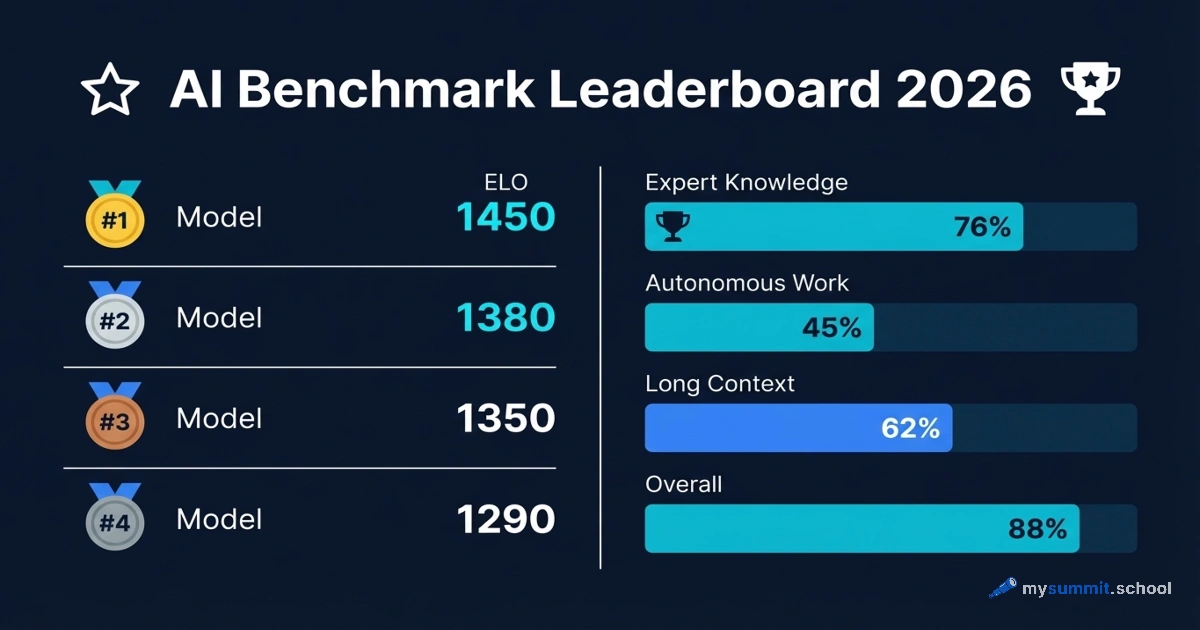
Marketing claims are not the best selection criterion. Use independent benchmarks:
- Chatbot Arena – anonymous blind comparison of models by real users
- SWE-bench – for evaluating agentic coding capabilities
- GPQA Diamond – for expert-level reasoning tasks
Better still: test 2–3 finalists on your own real work tasks.
Practical Tip: “Primary + Backup” Strategy
Don’t lock yourself into one tool. The optimal approach:
- Primary tool – for 80% of daily tasks (ChatGPT, Claude, or Gemini).
- Backup – for when the primary tool fails or is unavailable (DeepSeek, Qwen – both free).
- Specialised – for specific tasks: Perplexity for research, Qwen for confidential data.
This approach provides resilience and lets you use each tool’s strengths.
All Reviews in the Series
- ChatGPT by OpenAI – universal ecosystem with GPT-5.4
- Claude by Anthropic – best text quality and safety
- Perplexity AI – next-generation search engine
- Gemini by Google – Workspace integration and 2M context
- Grok by xAI – Elon Musk’s AI with X integration
- DeepSeek – budget flagship from China
- Qwen by Alibaba – open-source ecosystem
- How LLM quality is evaluated – benchmarks for managers
- AI for media content creation – images, video, music
All tools are covered with practical exercises in the mysummit.school course.